Write questions once and reuse them everywhere. Quizzes support seven question types, points, timers, attempts and random draws from the question bank.
4 steps
About 6 minutes
Walkthrough video
The video has no sound. Follow along with the written steps below.
1
Step 1 of 4
Write questions
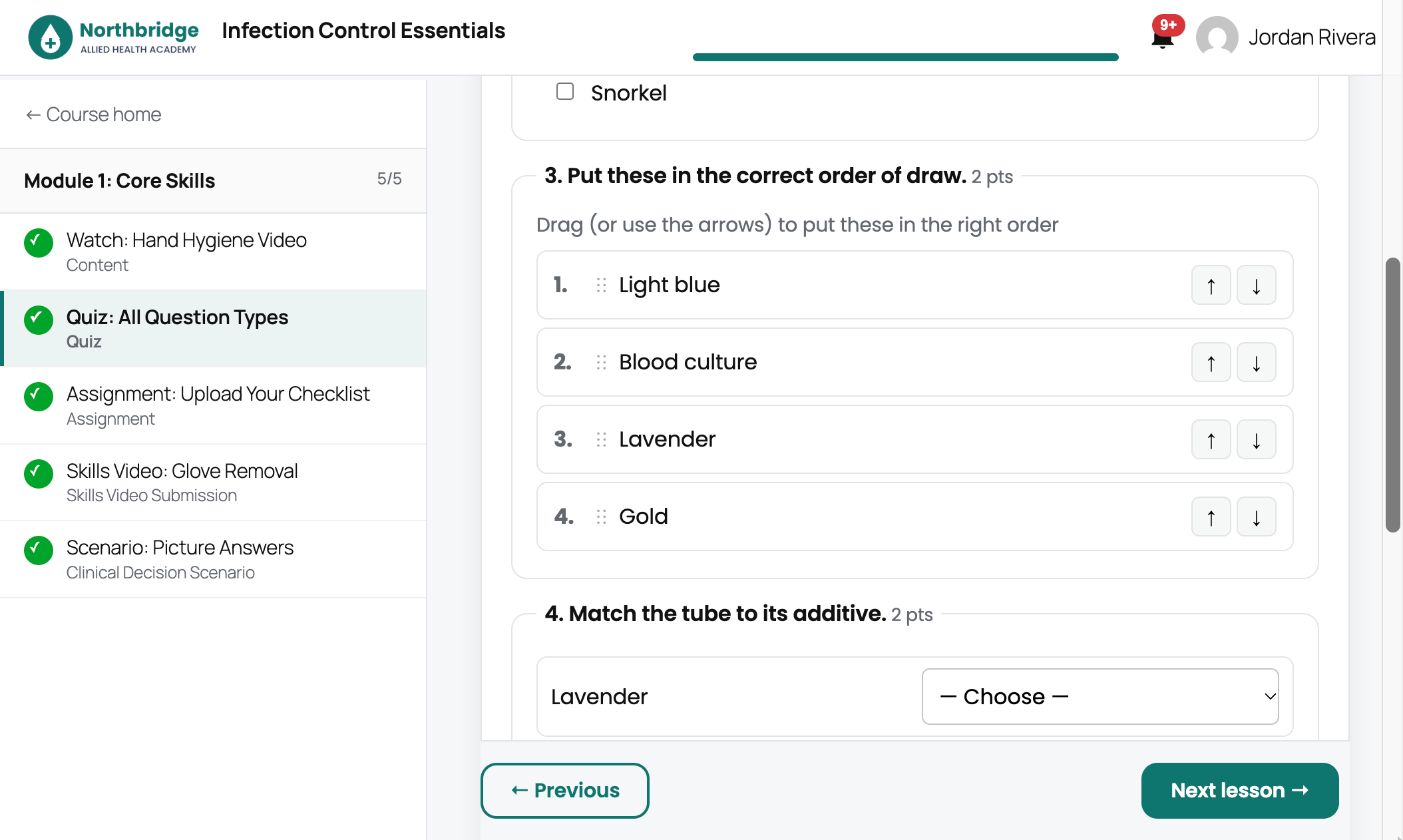
Add a Quiz lesson in the Course Builder and click edit. Add questions of any type (multiple choice, select all that apply, true/false, fill in the blank, matching, sorting and essay), set the points and add an optional image and explanation.
2
Step 2 of 4
The student experience
Students answer on any device, including sorting and matching questions. Set a pass mark, time limit and number of attempts in the quiz settings. Essays go to Essays to grade for you to mark.
3
Step 3 of 4
Flashcards for revision
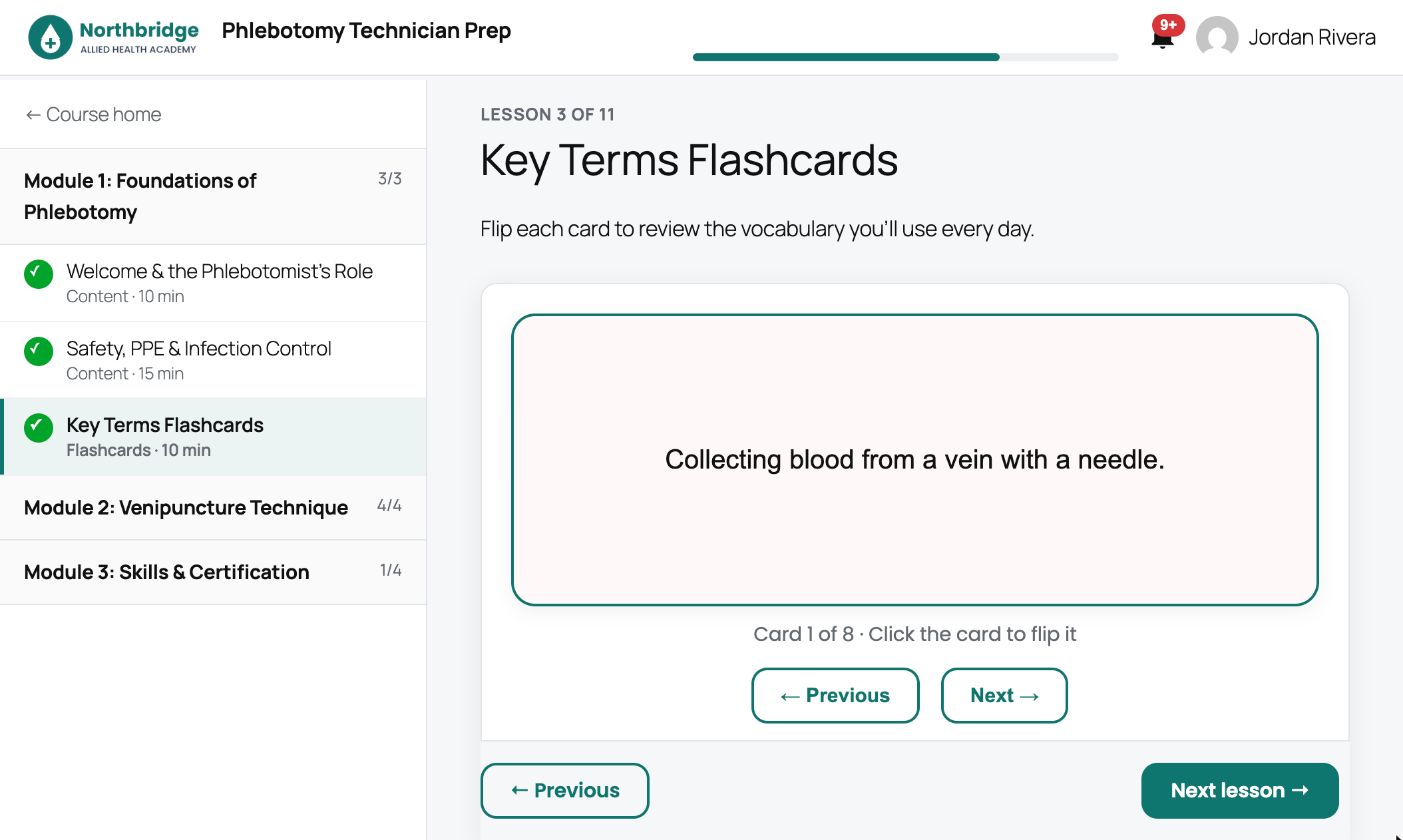
A Flashcards lesson turns vocabulary into flip cards. It is ideal for terminology before a quiz.
4
Step 4 of 4
Reuse and review
Keep questions in the Question Bank, tag them with Question Topics, or bring in a CSV with Import Questions. Quiz statistics shows which questions students miss most.